
K0 Keying Algorithm Overview
Input
The K0 keyer takes an input image:

Color Picking
Background colors can be selected manually, or a color array can be provided by CyberGaffer.

Color Search
All background colors and their interpolations are found in the input image.
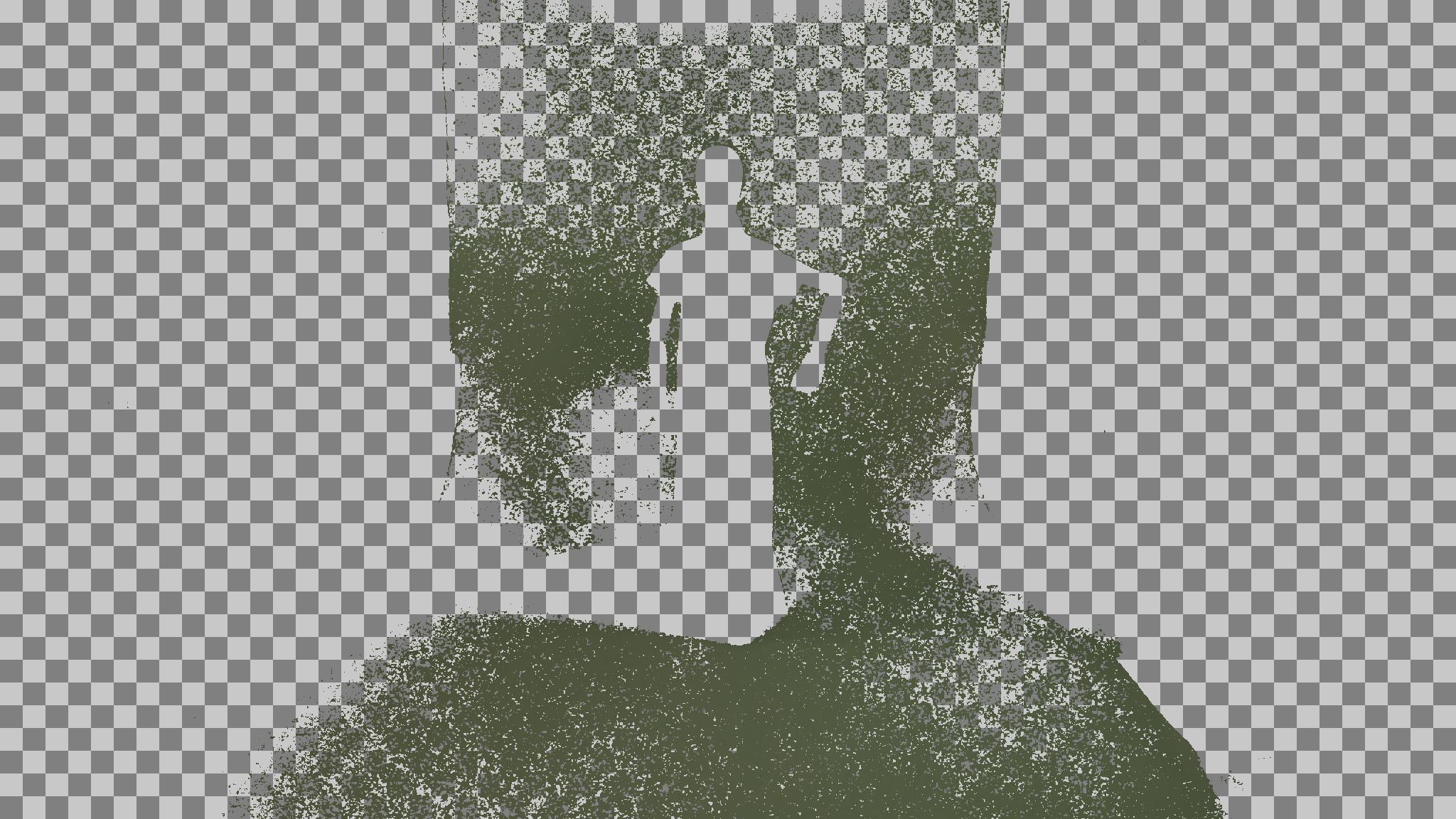
Background Infill
The remaining areas in the image are filled by propagating the nearest known background color. This produces a clean, complete background image:

Surface Adjustment
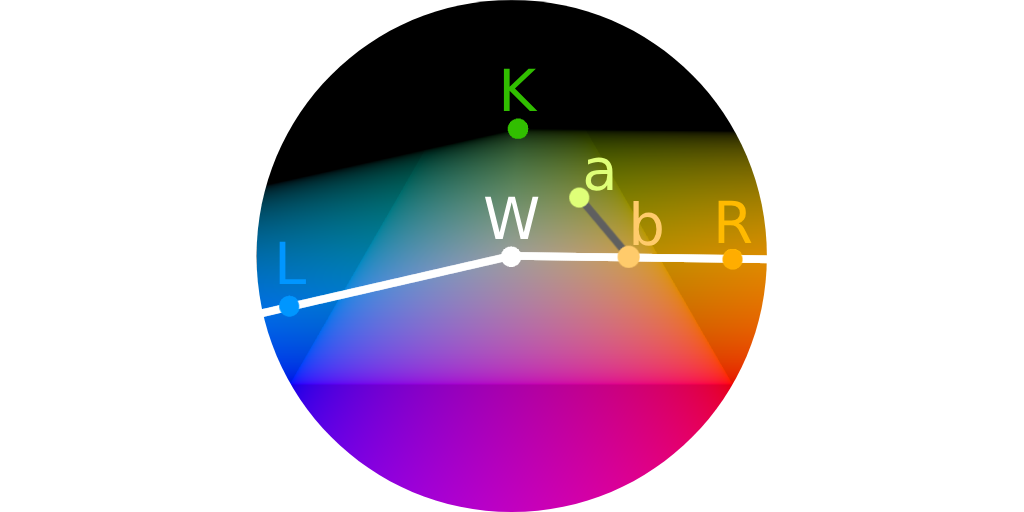
Inside the RGB color cube, a surface is defined using the colors W, L, R, and black.
- Colors below this surface are considered valid (allowed colors) and remain unchanged.
- Colors above the surface are interpreted as a mixture of a background color (K) and one of the allowed colors.
The algorithm estimates the original foreground color and calculates its presence in the mixture as alpha.
For example, a color a is transformed into color b with an alpha of 0.52.
Users can adjust the surface by modifying the W, L, and R colors. This helps eliminate edge artifacts and results in more accurate color recovery.
Output
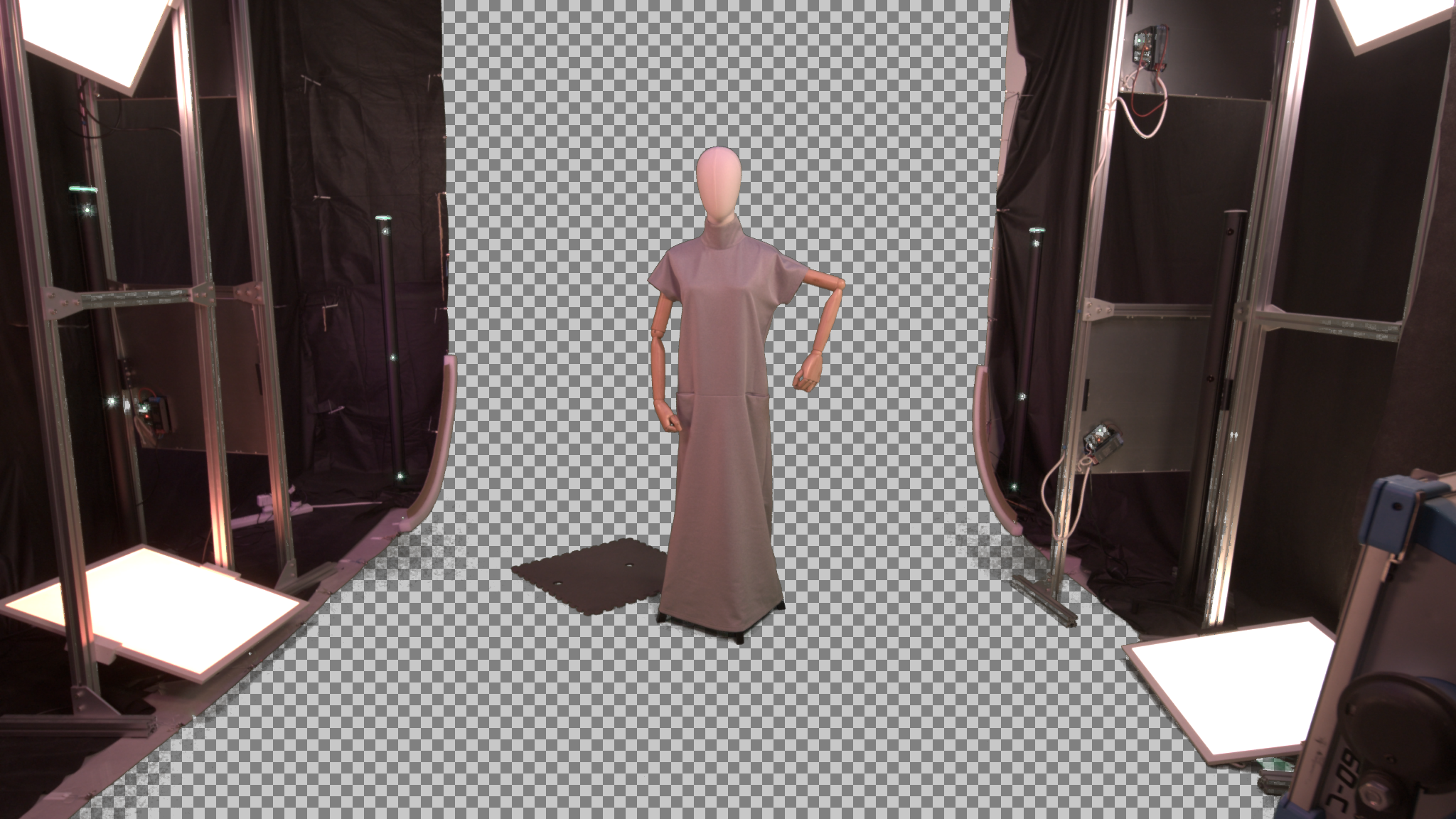
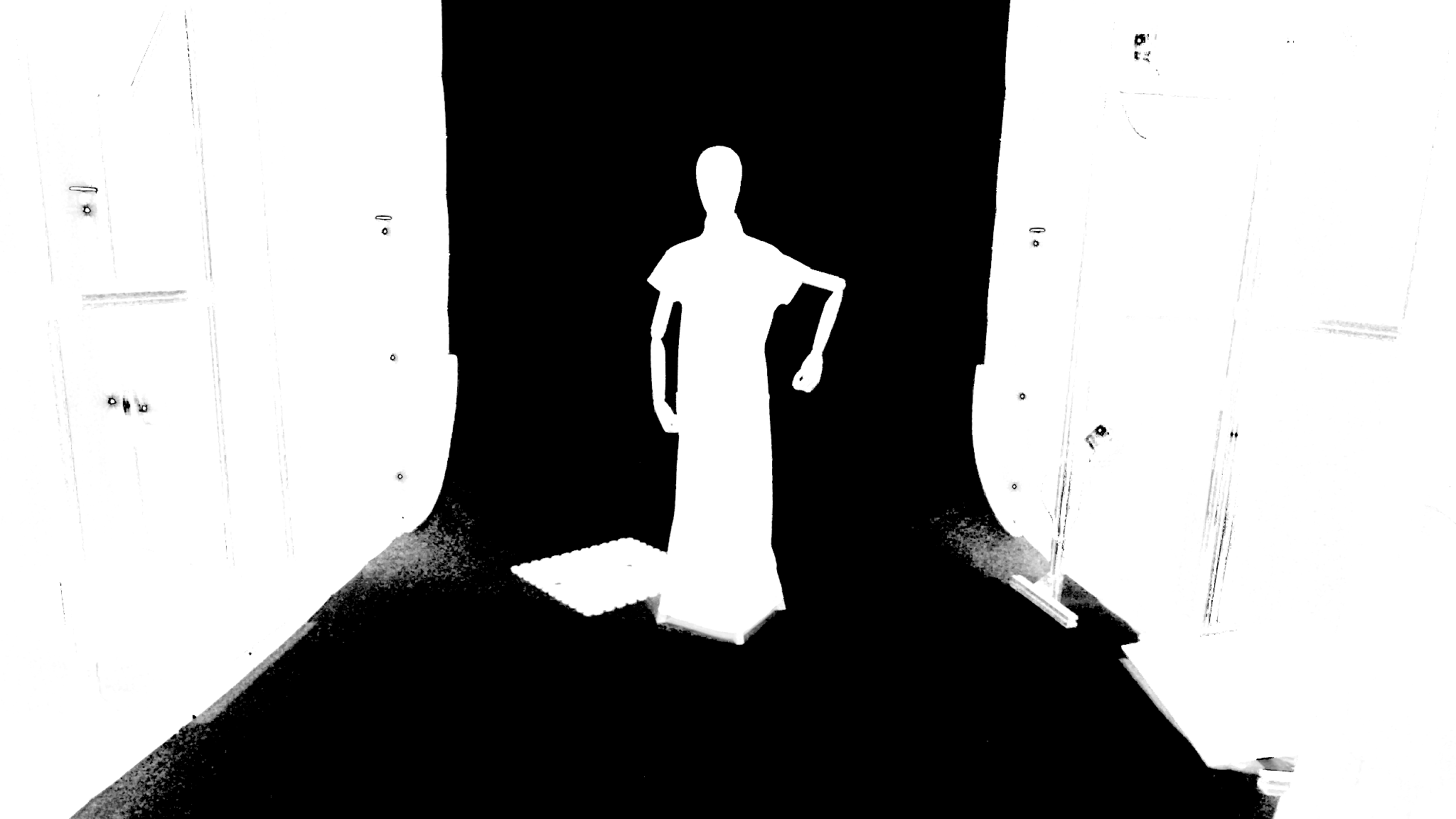
Final results of the keying process:
Recovered Foreground
Alpha Channel
Quality Check
Keying quality is assessed by compositing the result onto solid black and white backgrounds. Color restoration errors become most visible in these conditions:
On White

On Black