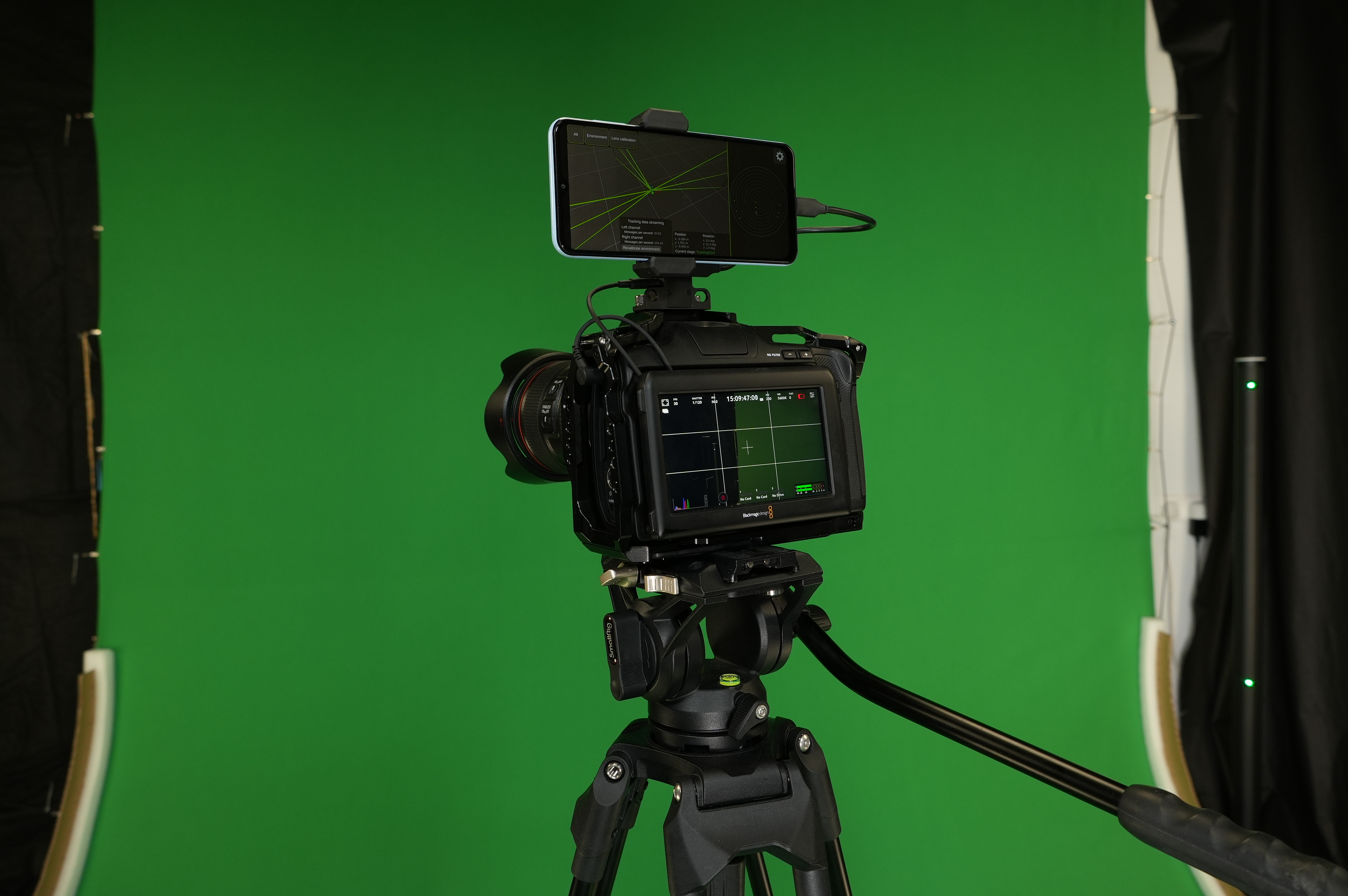
VPApp: Camera Tracking & Lens Calibration
VPApp is a lightweight virtual production system that enables two core capabilities:
- Integrated camera tracking data – synchronizes tracking information directly with video via the audio channel, producing what is called a Tracked Video.
- Lens calibration workflow – uses a short recording of Tracked Video to efficiently calibrate lens parameters.
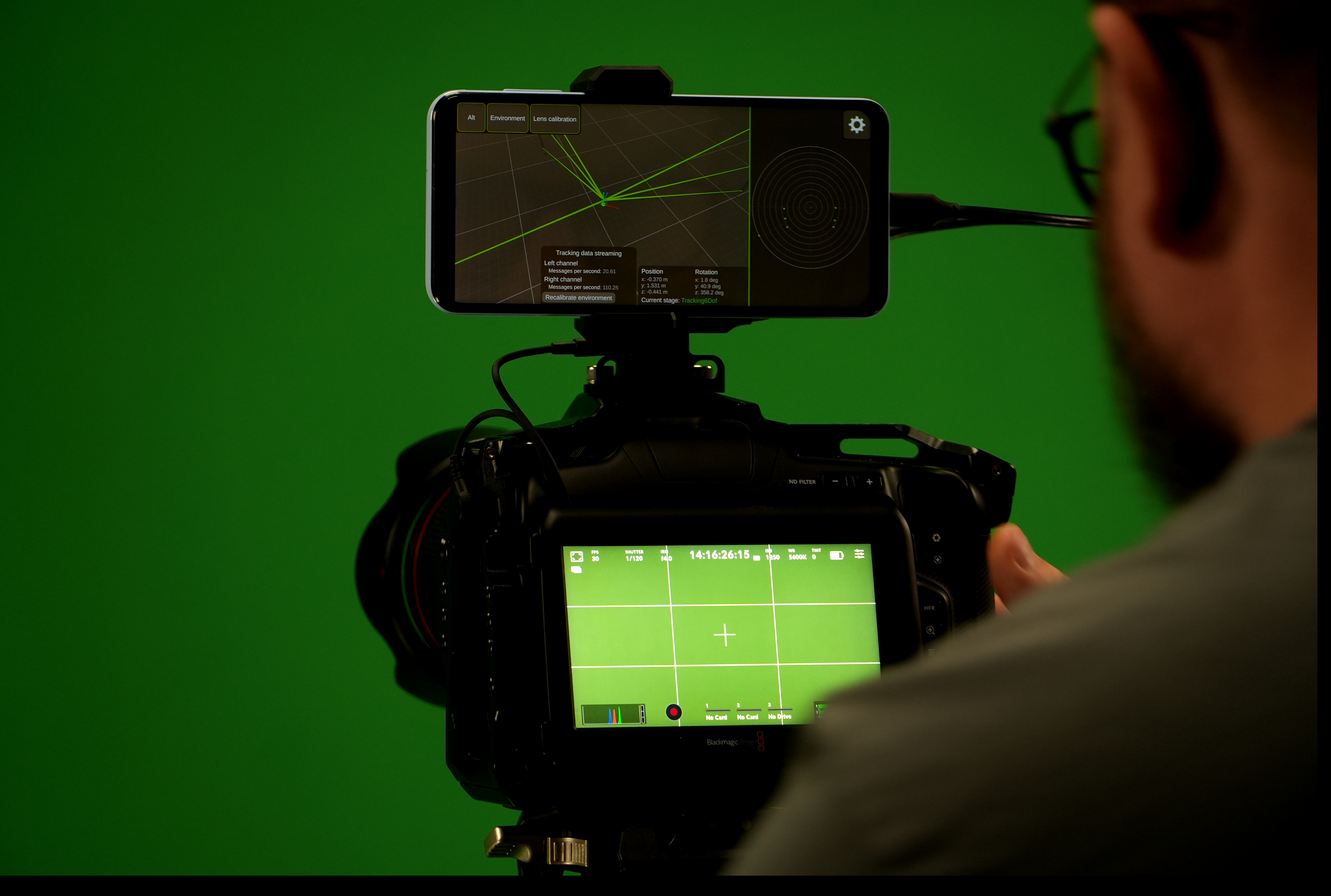
The system includes:
- Android app for real-time tracking data encoding
- Antilatency VP Socket, a compact hardware bridge
- Unreal Engine plugin for decoding tracking in real time
VPApp simplifies the virtual production pipeline by encoding tracking data directly into the video output — enabling frame-accurate synchronization and faster calibration, while remaining compatible with standard video tools.
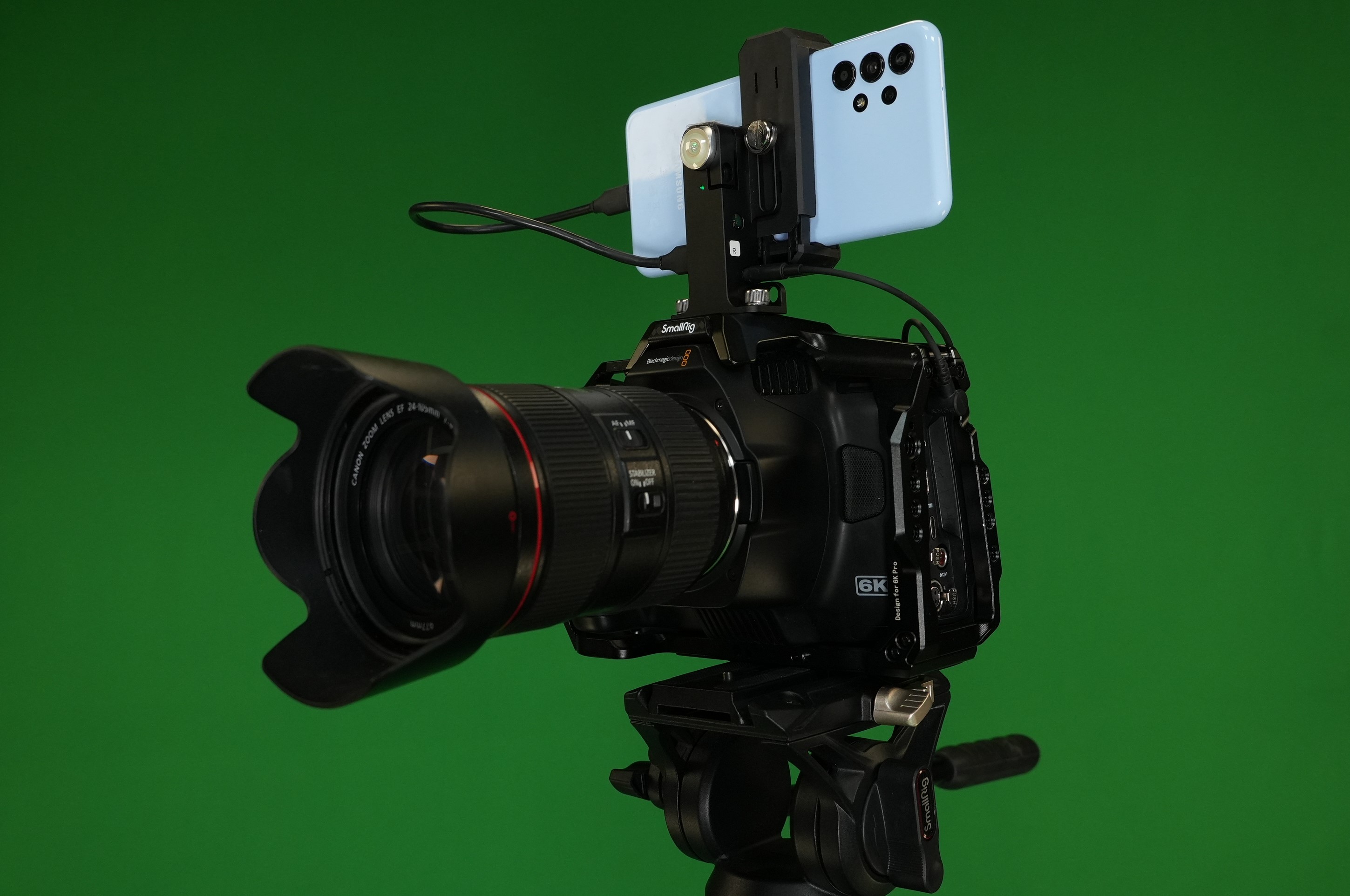
What is Tracked Video?
Tracked Video refers to any video signal — live (HDMI/SDI) or recorded — that includes synchronized tracking data encoded in the audio channel.
Because the tracking is encoded as audio, the video signal remains 100% standard and fully compatible with existing video equipment and workflows, including:
- HDMI/SDI transmitters: wired and wireless
- SD cards and recorders
- Live video pipelines (e.g., Unreal Engine ingest)
No proprietary formats. Just standard video, enhanced with tracking.
Tracked Video becomes a self-contained virtual production (VP) asset, equally useful for live rendering and offline compositing.
Native Synchronization
- Tracking data is encoded into the audio track.
- Since professional cameras maintain a stable and predictable offset between video and audio streams, synchronization is deterministic and stable.
- By measuring this fixed offset once, you can consistently retrieve frame-accurate tracking data from the Tracked Video.
- No need for genlock, timecode matching, or additional sync steps.
How It Works
1. Tracking Data Collection
Antilatency tracker sends real-time positional data via VP Socket to the VPApp, running on an Android device connected to the VP Socket.
2. Audio Encoding
The VPApp encodes tracking data into an audio signal.
3. Injection into Camera
The encoded audio is sent back through the VP Socket into the camera’s audio input, producing a Tracked Video.
4. Output
The camera outputs a standard video signal — either live via HDMI/SDI, or recorded with tracking audio on the SD card.
Lens Calibration with Tracked Video
Traditionally, lens calibration is complex and time-consuming — often requiring hours per lens and ideally a recalibration after every lens change.
VPApp introduces a fast calibration workflow based on Tracked Video.
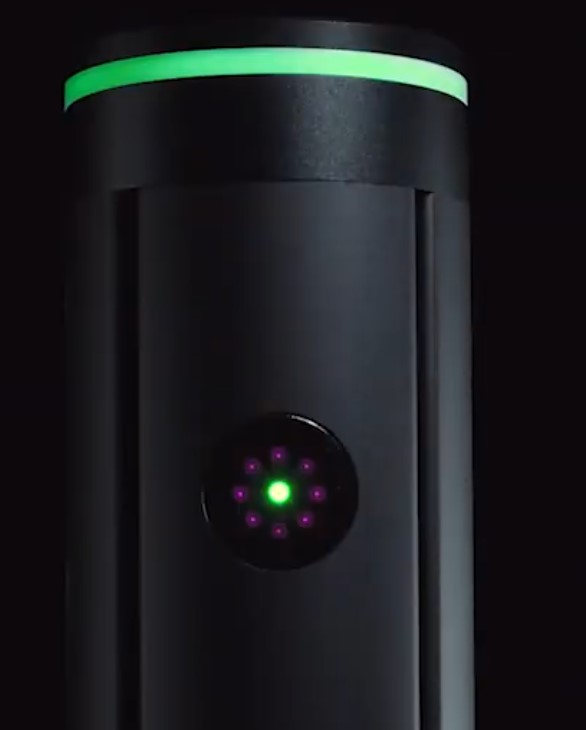
Each Antilatency marker includes:
- IR LEDs for tracking
- A green status LED visible to the camera
As a result, Antilatency markers appear as glowing green dots in the recorded video — providing precise visual reference points for calibration.
Process:
-
Record a short Tracked Video in the studio.
-
Using the known tracking data and visible marker positions in the video, the application computes:
- Lens distortion parameters, including Field of View (FOV)
- Tracker placement (position and rotation of the tracker)
- Fixed offset between tracking data and video stream
This workflow significantly reduces manual calibration time and effort, streamlining the setup for virtual production.